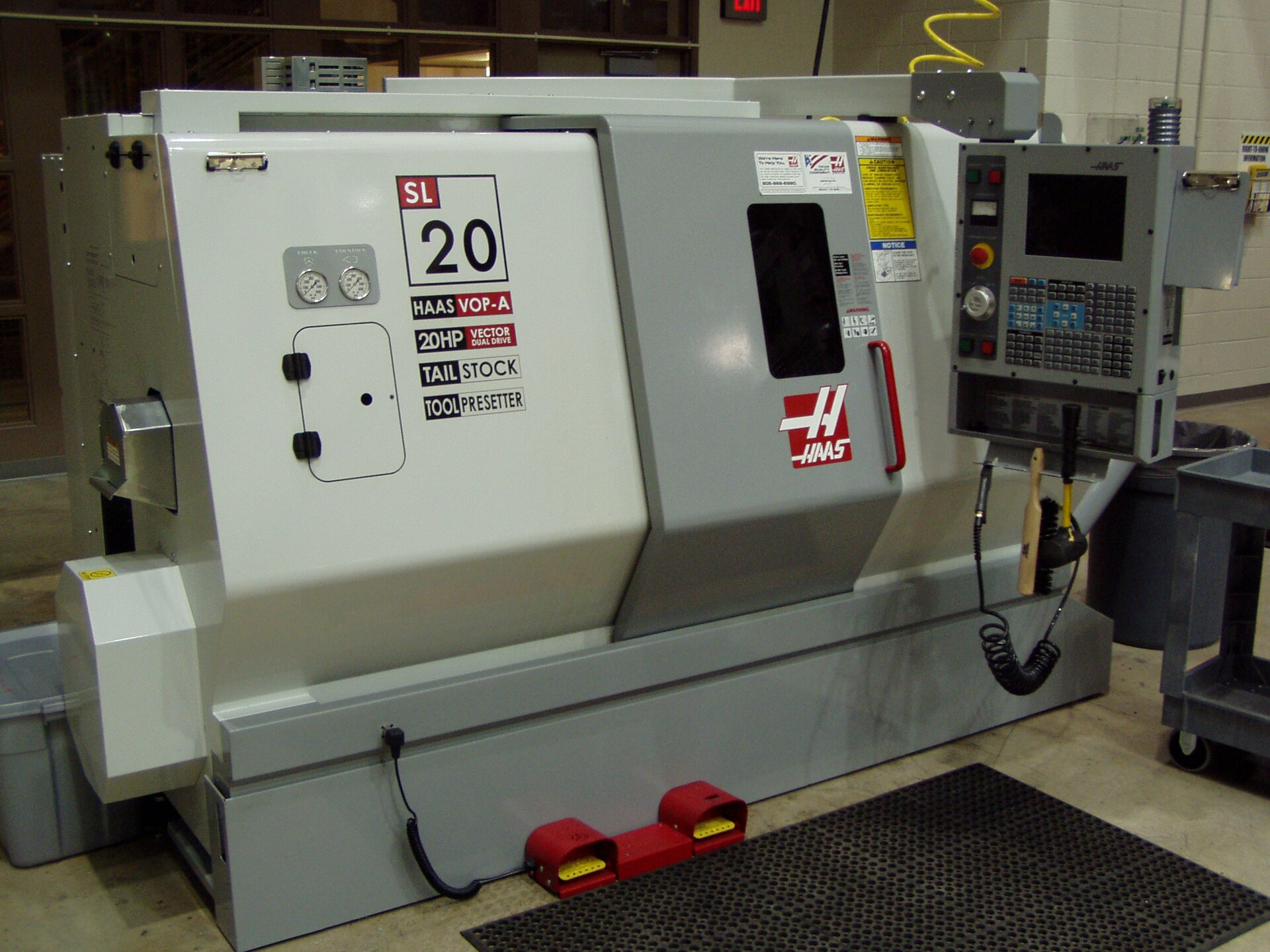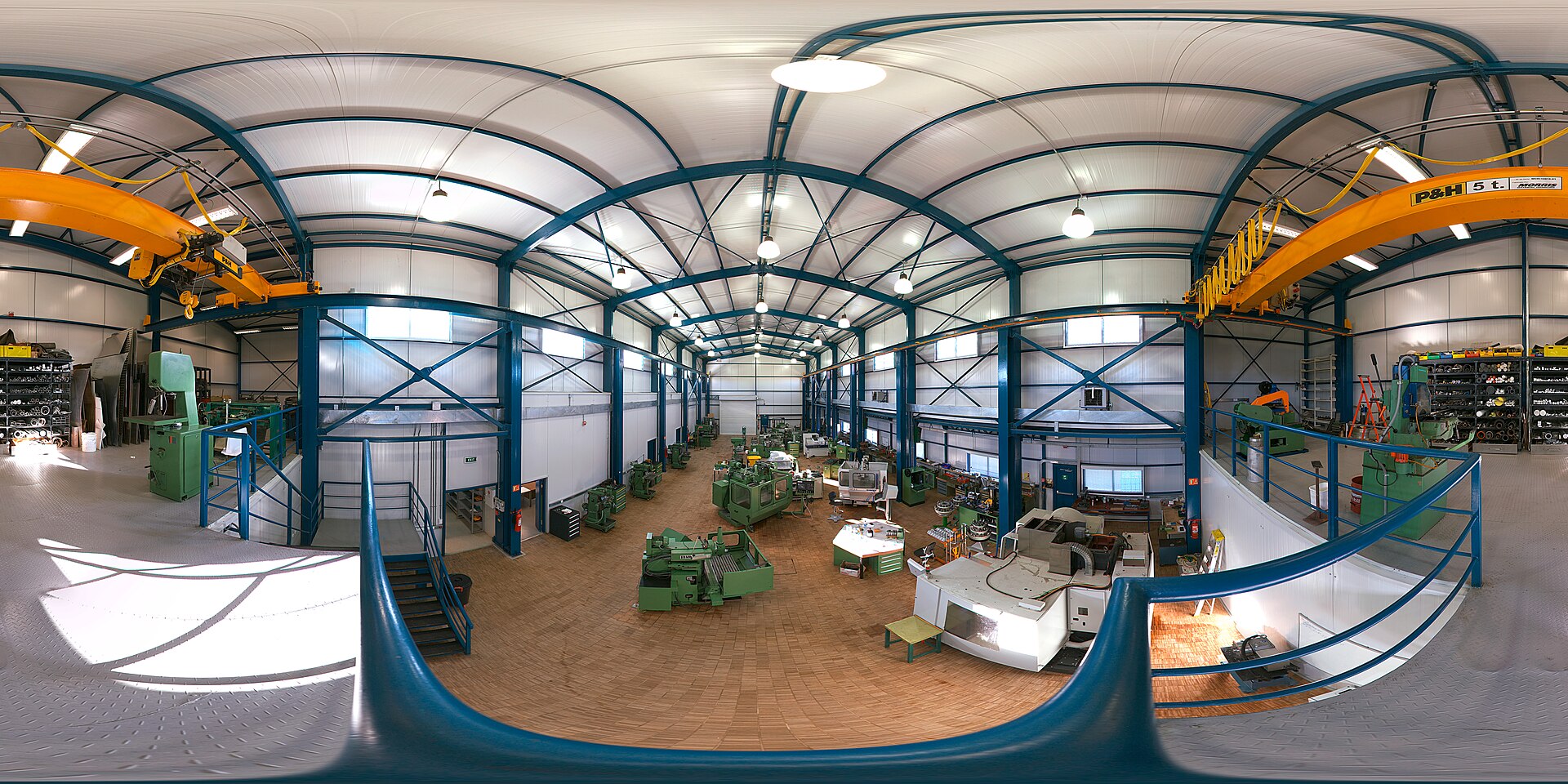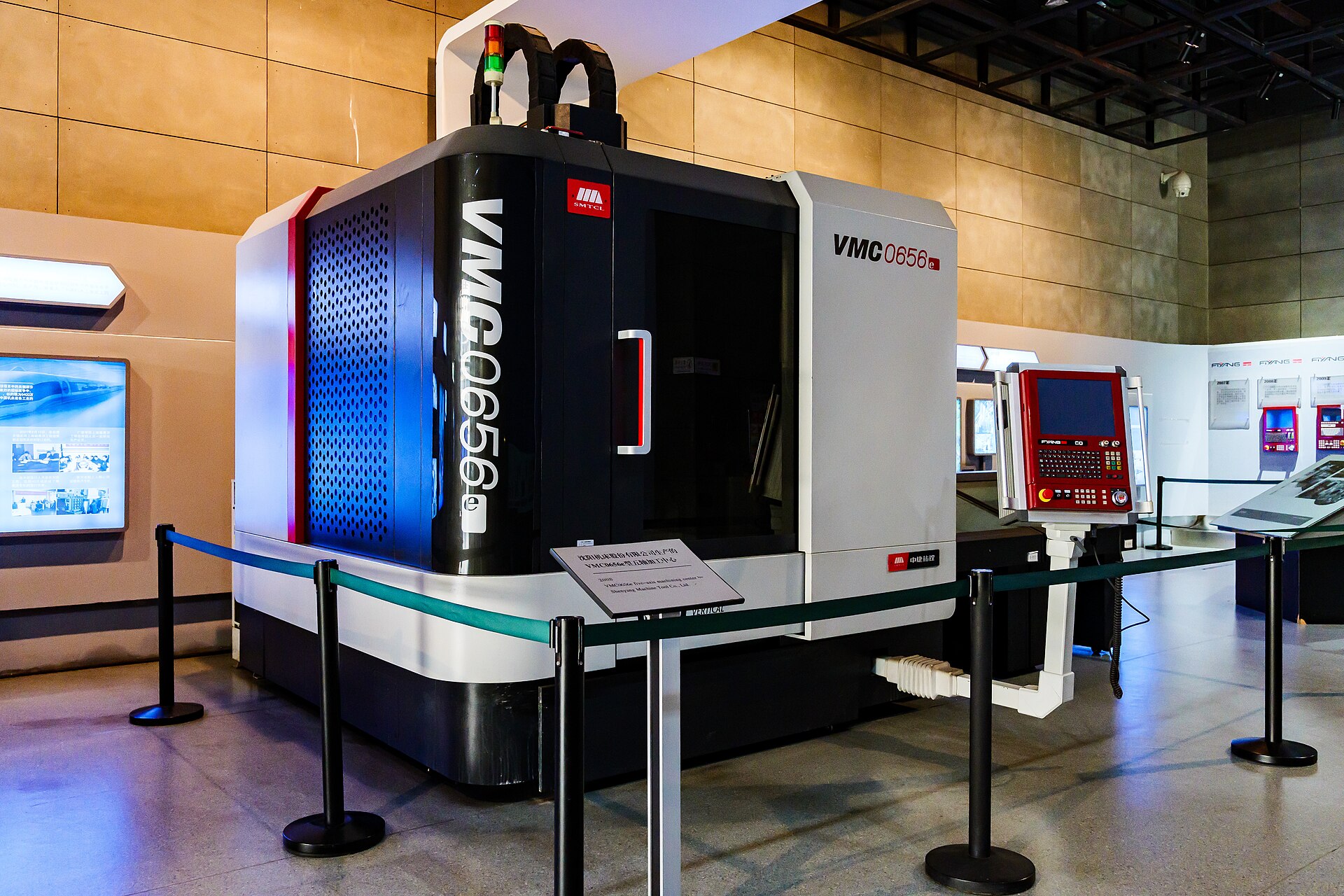
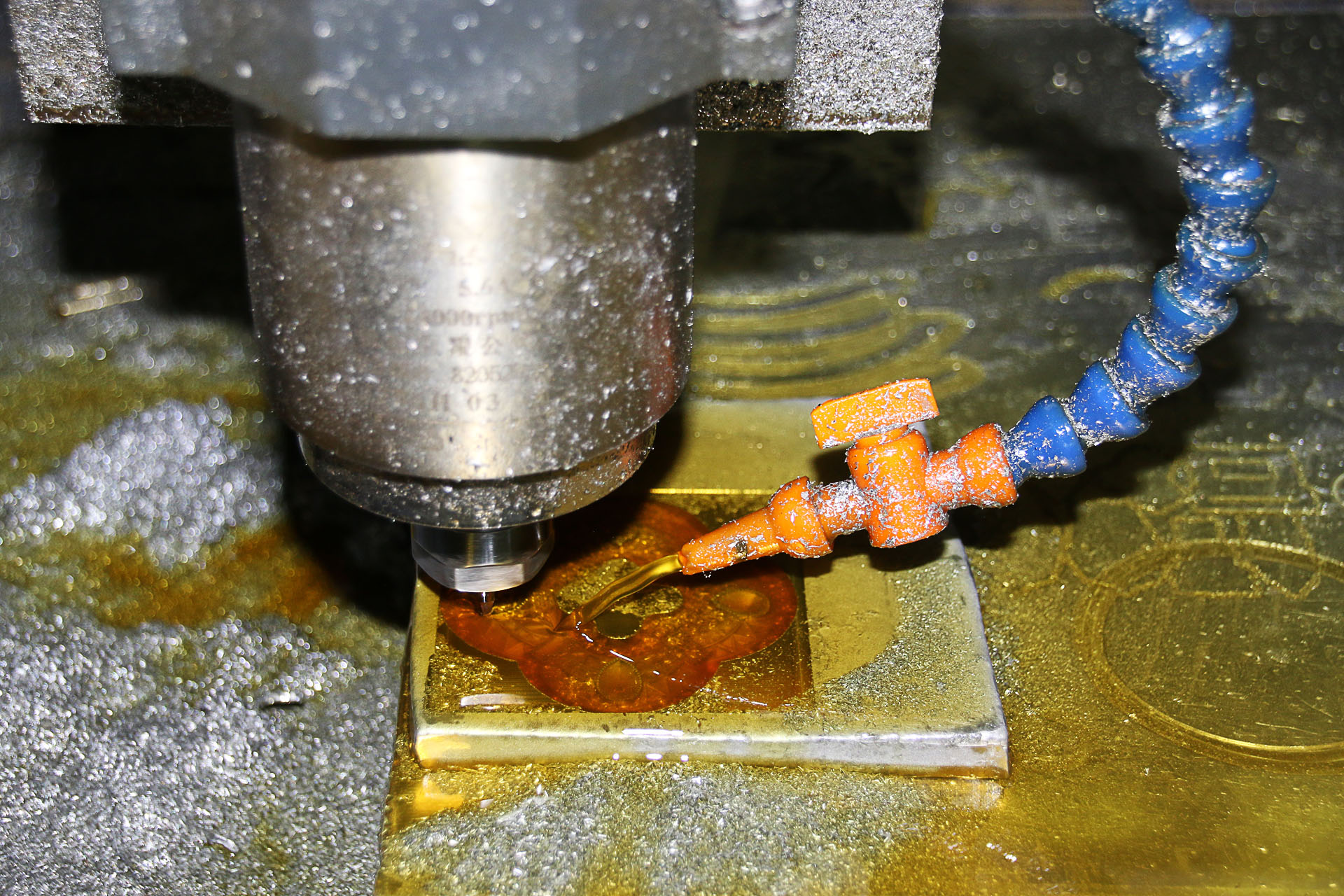
The number of controllable axes decides how many faces you can reach without re-fixturing. More axes usually means fewer setups and better accuracy—but higher machine cost.
3-axis: the workhorse
The tool moves in X, Y, Z. Ideal for prismatic parts with features on top and accessible side faces. Fast to program, lowest hourly rate.
4-axis: indexable rotation
Adds a rotary axis (typically A) so the part can be indexed to machine additional faces in one holding. Great for parts with features around a cylinder or on four sides.
5-axis: full contouring
Two rotary axes let the tool follow compound angles continuously. Best for complex surfaced parts and deep cavities. See our 5-axis service for typical applications.
Decision shortcut
- Features on top + sides only → 3-axis.
- Features around a rotation or on 4 sides → 4-axis.
- Compound angles, undercuts, or deep contoured cavities → 5-axis.
FAQ
Is 4-axis just a cheaper 5-axis? Not exactly—4-axis indexes; it does not tilt-contour. Choose based on geometry.
More axes always better? Only when they remove setups or hit tolerances you otherwise could not.